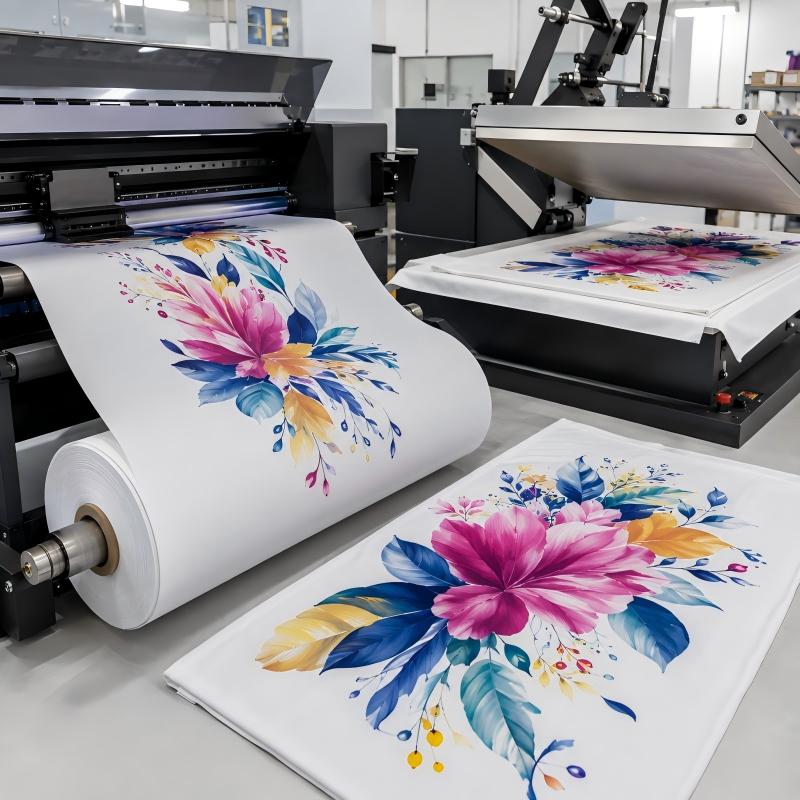
Sublimation heat transfer paper is the core supply for creating vibrant, long-lasting custom prints on fabric, ceramics, metal and more. The process follows a clear workflow: select compatible paper, print your mirrored design with sublimation ink, then transfer the image with a heat press. High-quality dye sublimation paper like Sure Paper’s line delivers bright, fade-resistant transfers with minimal ink waste, making it a trusted choice for both small craft projects and bulk promotional production.
Key Takeaways
- Choose the right sublimation heat transfer paper type based on your project: tacky for stretchy fabrics, fast-dry for bulk production, and high-release for vivid, detailed prints.
- Proper design preparation is essential — always use high-resolution files (300 DPI), correct color profiles, and mirror your artwork before printing.
- Printer setup and calibration directly affect print quality, so use ICC profiles, clean printheads regularly, and run test prints before production.
- Pre-pressing and secure positioning help eliminate moisture, shifting, and ghosting for sharper transfer results.
- Correct heat press temperature, time, and pressure must match the substrate material for consistent and durable sublimation results.
- Always allow proper peeling and cooling time to ensure full ink bonding and long-lasting print durability.
Materials Needed for Sublimation Heat Transfer Paper Projects
Choose the Right Sublimation Paper
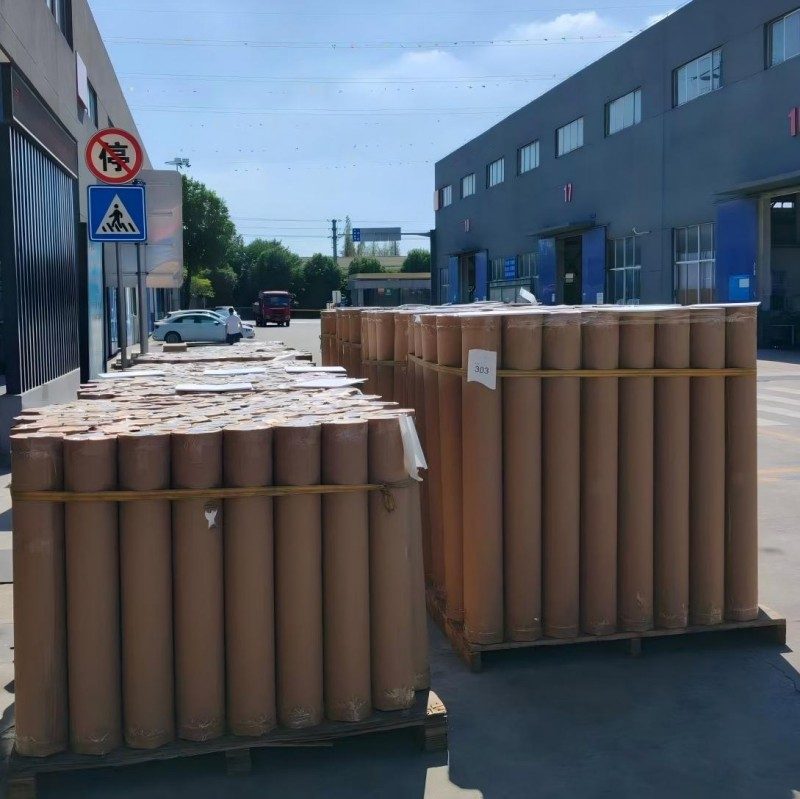
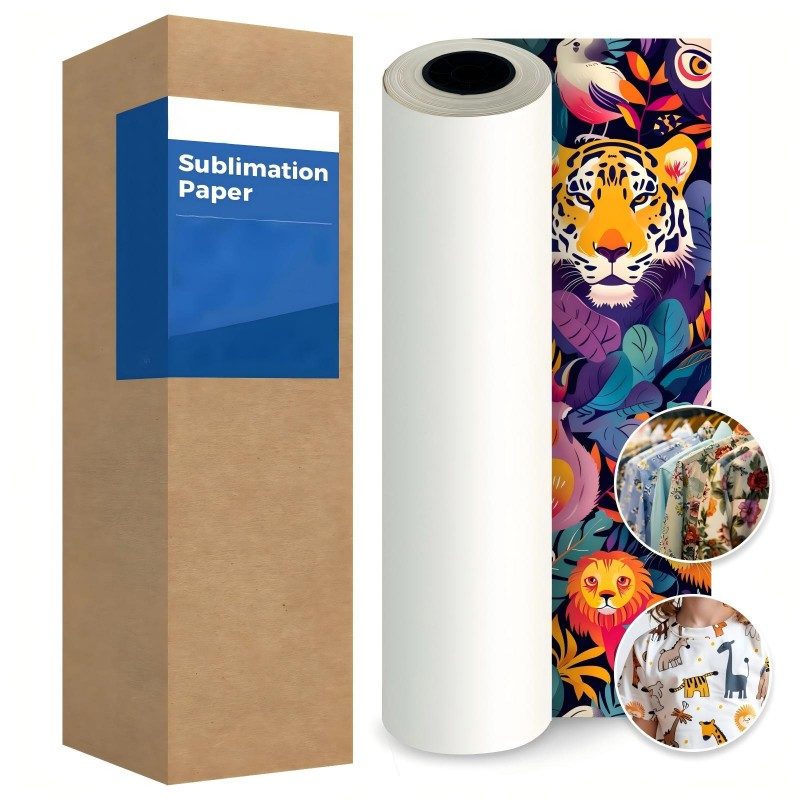
Paper type directly impacts transfer quality and efficiency. Sure Paper offers three standard formulations for different use cases:
| Paper Type | Core Features | Best For |
|---|---|---|
| Tacky Sublimation Paper | Light adhesive backing holds stretchy fabrics in place | Spandex, activewear and projects prone to shifting; minimizes ghosting |
| Fast-Dry Sublimation Paper | Rapid ink absorption, prevents smudging | High-volume bulk printing, fast stacking and production |
| High-Release Sublimation Paper | Transfers maximum ink, leaves minimal residue | Bold, saturated designs; detailed graphics and full-color photos |
Essential Tools & Compatible Substrates
You will also need:
- An inkjet printer loaded with water-based sublimation ink
- A heat press (flat press for fabrics, specialty presses for mugs/tumblers)
- Heat-resistant tape, Teflon protective sheet, scissors
- Compatible substrates (only items with polyester or polymer coating work for sublimation):
- 100% polyester or poly-blend light-colored fabrics
- Polymer-coated mugs, tumblers, metal plates, photo slates and ceramics
- Note: Natural fibers like 100% cotton or pure linen cannot be directly sublimated — they require a pre-coated surface.
Design File Preparation for Sublimation Heat Transfer Paper
Artwork Specifications
For sharp, clear prints, follow these file guidelines:
- Use 300 DPI high-resolution artwork for all designs. Vector files (AI, EPS, PDF) work best for logos, text and solid colors, while high-resolution raster files (PNG, TIFF) are ideal for photos and detailed art.
- Work in CMYK or CMYK-safe RGB color mode to match printed output to your screen design.
- Size the design to fit your substrate exactly, with no unwanted white borders.
Mirror Your Design
Always flip your design horizontally (mirror it) before sending it to print. Since you press the paper face-down onto the substrate, a non-mirrored design will transfer backward, making text and logos unreadable.
All major design and print driver software include a “mirror” or “flip horizontal” setting. Always preview your file before printing to catch orientation errors and avoid wasted materials.
Printing on Sublimation Heat Transfer Paper
Printer Setup & Calibration
- Load the sublimation paper into your printer with the correct print side facing up (check your paper packaging for guidance).
- Select the matching paper type in your printer settings, and use a color ICC profile for your ink and paper combination for the most accurate colors.
- For best results, calibrate your printer periodically and keep printheads clean to avoid clogged nozzles and streaky prints.
Printing Best Practices
- Print a small test swatch first to verify color and clarity before running full designs.
- Let printed sheets dry fully before stacking them to prevent ink smudging.
- Handle printed paper by the edges to avoid transferring oil or dirt onto the design.
How to Transfer Designs Using Sublimation Heat Transfer Paper
Pre-Press Your Substrate
Pre-pressing is a critical pre-treatment step:
- Place your blank substrate on the heat press platen.
- Press for 5–10 seconds at the target temperature.
- Remove and let cool briefly.
This removes surface moisture, oils and wrinkles, which ensures even ink absorption and prevents blurry, faded transfers.
Position & Secure the Transfer
- Trim excess paper around your design to reduce edge marks.
- Place the printed design face-down onto your substrate, aligned exactly where you want the final print.
- Secure all four edges with heat-resistant tape to hold the paper firmly in place. This prevents shifting during pressing and eliminates ghosting.
Heat Press Settings by Material
Temperature, time and pressure vary by substrate. Below are standard settings for use with Sure Paper sublimation paper:
| Substrate | Temperature | Time | Pressure | Notes |
|---|---|---|---|---|
| General Polyester Fabric | 320–380°F (160–195°C) | 45–80 sec | Medium–Heavy | 100% polyester for best results |
| Canvas (coated) | 350°F (180°C) | 80 sec | Medium | Requires polymer coating |
| Aluminum (coated) | 350°F (180°C) | 45 sec | Medium | Sublimation-coated metal only |
| Ceramic (coated) | 350°F (180°C) | 150 sec | Medium | Mugs use 375°F / 190°C for 120–180 sec in a mug press |
| Glass (coated) | 350°F (180°C) | 180 sec | Medium | Always use protective paper |
| MDF (coated) | 350°F (180°C) | 60 sec | Medium |
Tip: Always place a clean Teflon sheet between the heat press platen and the transfer paper to prevent burn marks and ink transfer to your press.
Peel & Cool Down
Peeling timing affects final print durability:
- For standard polyester fabrics: Peel the paper while the substrate is still warm (warm peel).
- For stretchy fabrics (swimwear, spandex): Let the item cool completely before peeling (cold peel) to avoid cracking or lifting.
- Always let finished items cool fully before washing or use, to allow the ink to fully set into the substrate.
Conclusion
Using sublimation heat transfer paper is a straightforward process that delivers professional, durable results when the correct steps are followed. Choosing the right paper type, preparing files properly, and using accurate heat press settings are key to achieving consistent, vibrant transfers.
Working with a reliable sublimation paper manufacturer also ensures stable quality and better print performance across different applications. Sure Paper provides fast-dry, tacky, and high-release sublimation papers designed for sharp colors, low waste, and reliable compatibility.
FAQ
What items work with sublimation heat transfer paper?
Sublimation works on 100% polyester fabrics and any hard item with a polymer coating, including mugs, tumblers, metal signs, photo slates and ceramic tiles. Natural uncoated materials will not hold sublimation ink.
What are the benefits of Sure Paper fast-dry sublimation paper?
Fast-dry paper absorbs ink instantly to prevent smudging, and printed sheets can be stacked immediately after printing. This speeds up production for bulk orders and reduces wasted materials from wet ink smears.
Why do you need to mirror designs for sublimation?
Since the printed side of the paper is pressed face-down onto the substrate, a non-mirrored design will transfer backward. Mirroring flips the image horizontally so it appears correctly oriented on the final product.
What is ghosting in sublimation printing?
Ghosting refers to faint, blurred double images caused by transfer paper shifting slightly during the pressing process. Securing the paper with heat-resistant tape on all edges is the most reliable way to prevent it.
Can you reuse sublimation heat transfer paper?
No. Sublimation paper releases nearly all of its ink during the first press. Reusing the same sheet will produce a very faint, incomplete transfer with poor color quality.